Start with any space
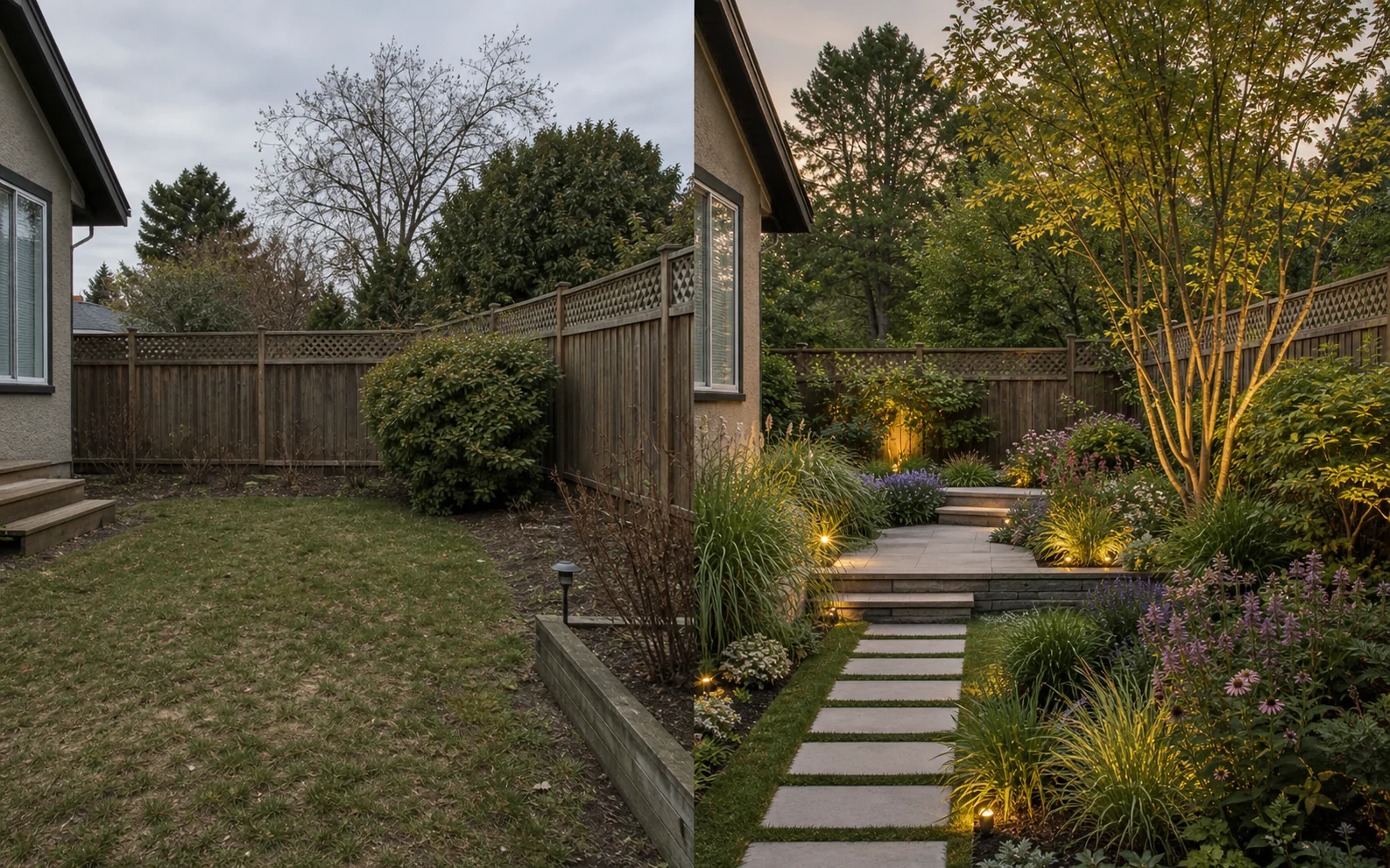
Use a real photo of a room, garden or facade. The result stays grounded in the home you already have.
Use Room Style AI as an AI room visualizer for interiors, gardens and facades. Upload one photo and explore a polished design concept before you buy furniture, paint or flooring.
Designed to make decisions easier
Explore a direction, compare finishes and make your room, garden or exterior feel right before committing time or money.
Use a real photo of a room, garden or facade. The result stays grounded in the home you already have.
Move between calm minimalism, warm modern, Mediterranean and other distinct design directions.
Restyle floors, test paint, remove clutter, replace objects or use a reference image as your brief.
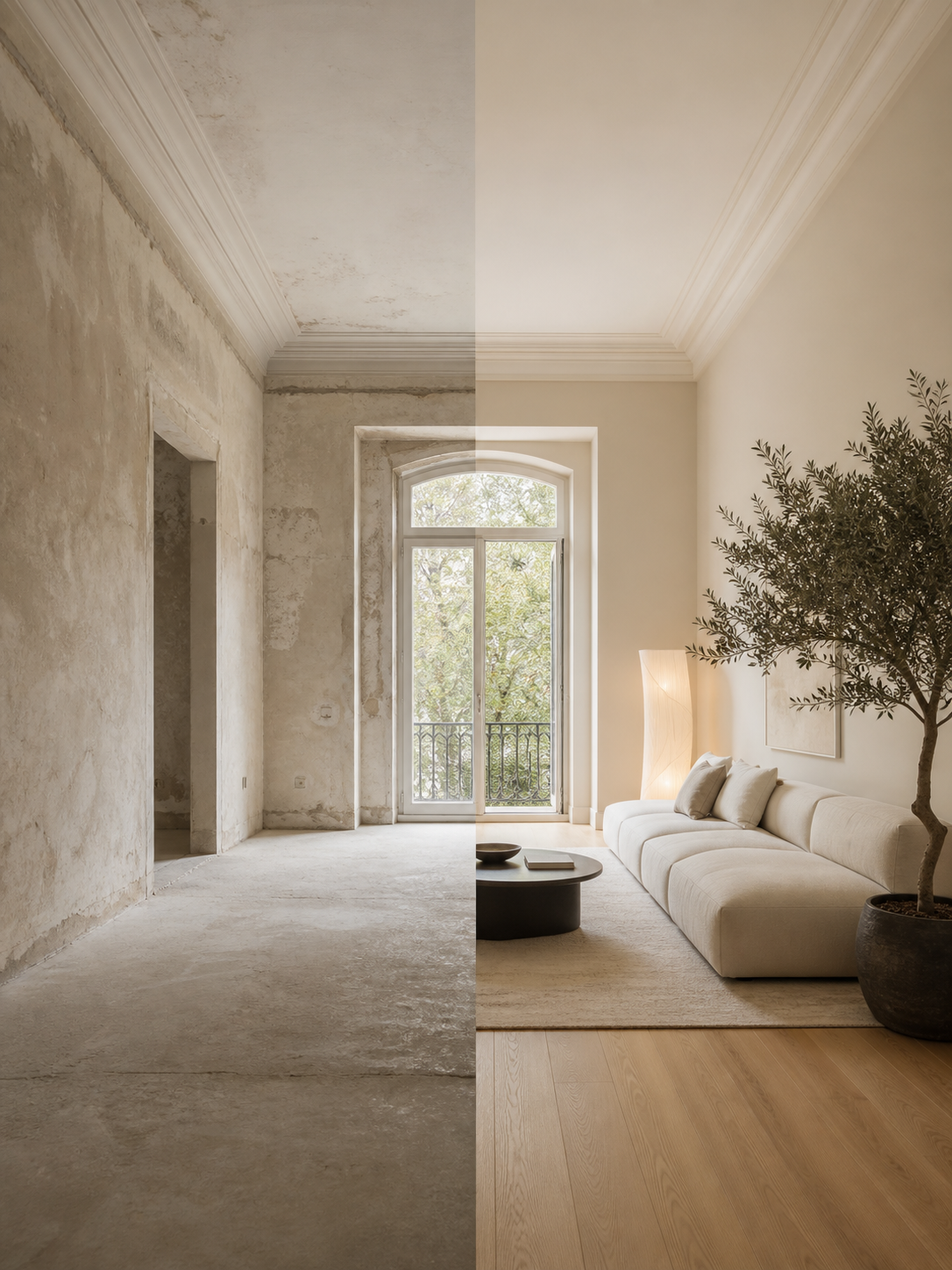 BeforeAI concept
Your room, still recognizable
Room Style AI can preserve the architecture and camera angle while transforming materials, furniture, lighting and atmosphere around them.
A focused toolkit
Use a dedicated tool when you know exactly what needs to change, or start broad and narrow the idea down.
Simple by design
Take a picture or select one from your library.
Pick a tool and style, then add the details you care about.
Explore variations and keep the ideas worth coming back to.
AI room design FAQ
Room Style AI is an iOS AI interior design app and room visualizer that turns one photo into design concepts for interiors, exteriors and gardens.
Yes. The app includes focused tools for paint visualization, floor restyling, cleanup, object replacement, reference styles and layout ideas.
It is designed to keep the camera angle and architecture recognizable while changing materials, furniture, lighting and atmosphere.
No. You can create your first visualization without an account, and the app uses an anonymous device identifier for credits and history.
Created with AI